
Understand exactly how much accounts payable automation costs. Quick Payable offers transparent Salesforce accounts payable automation pricing with no hidden fees, flexible invoice-based pricing, and implementation options for businesses of every size.
Per User / Month
Quick Payable subscription per user. Salesforce license not included. Billed annually.
Per Invoice
Flat rate per invoice processed. Pay only for what you use.
Implementation
Scoped based on setup complexity. Many teams start at $0.
Want to estimate your total accounts payable automation costs and savings? Try our Accounts Payable Automation Calculator for a detailed breakdown.
$6,000
$1,200
$5,000
Every Quick Payable subscription includes the tools finance teams need to automate invoice processing, reduce manual work, and gain complete visibility into accounts payable operations.
Smart extraction, auto matching
Multi-level approvals with custom rules
Spend analytics, aging reports & insights
NetSuite, ERP systems & more
Role based access and audit trails
Email, chat & dedicated onboarding help
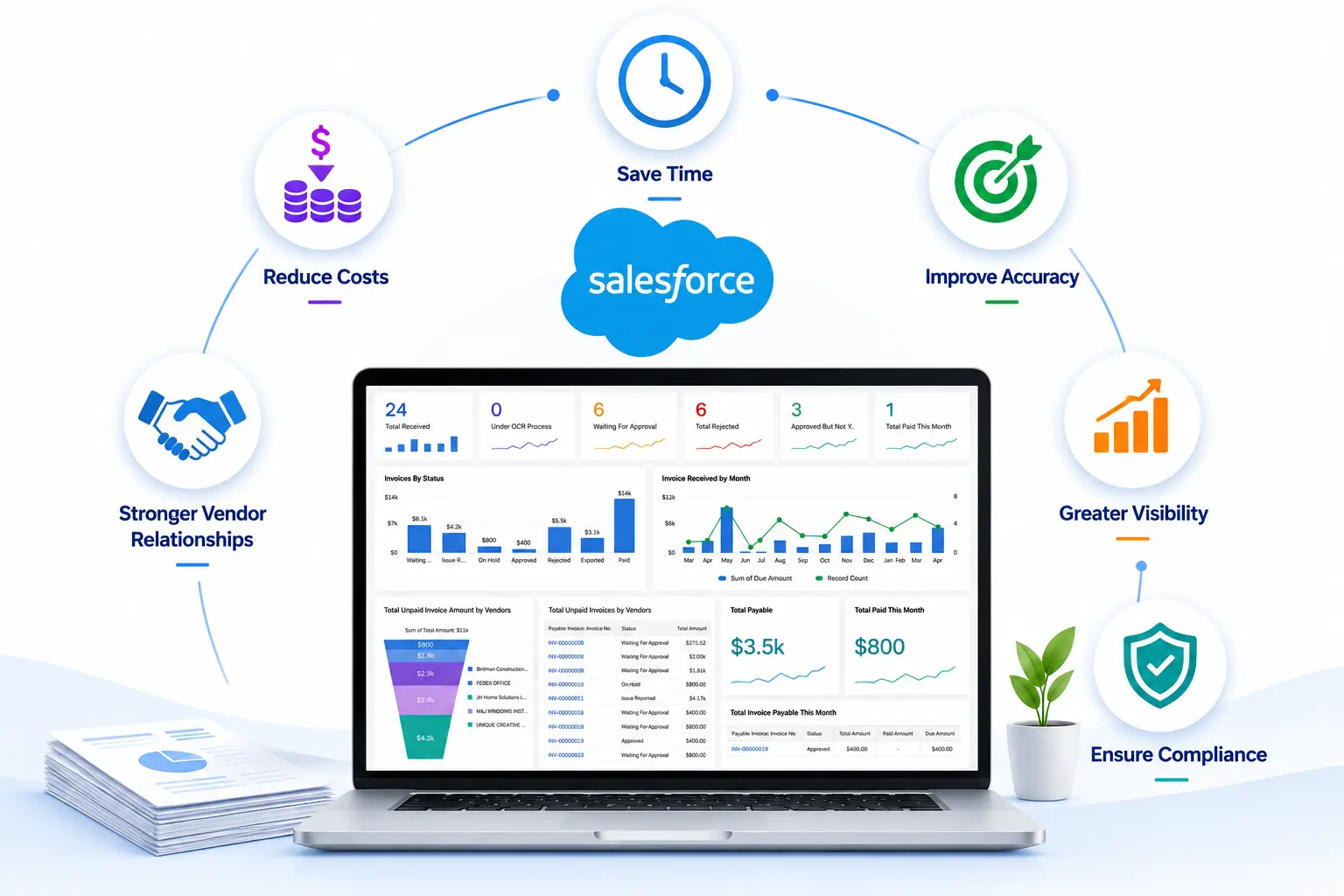
Manual accounts payable processes rely heavily on data entry, email-based approvals, and spreadsheet tracking. This approach often leads to delays, errors, and limited financial visibility. Quick Payable accounts payable automation software streamlines the entire accounts payable process with OCR-based invoice capture, structured approval workflows, and automated invoice processing, helping teams improve accuracy, speed, and control over financial operations through AP Automation in Salesforce.
Quick Payable replaces manual invoice processing with AI-powered automation. Capture invoices, route approvals, manage vendors, and track AP activity in Salesforce while reducing manual work, processing delays, and costly errors.
Most accounts payable automation software pricing includes three main components:
Your total accounts payable automation cost depends on the size of your team, invoice volume, integrations, and workflow requirements. Because Quick Payable is built natively on Salesforce, teams already on the platform avoid extra middleware costs and get a faster, lower-risk rollout. You can see how the numbers break down with our Accounts Payable Automation Calculator.
Typical market pricing across providers and company sizes
Accounts payable software pricing varies by provider and company size. Most businesses pay a combination of software licensing, invoice processing fees, and implementation costs.
| Pricing Component | Typical Market Cost |
|---|---|
| User License | $50 to $250 per user per month |
| Invoice Processing | $0.25 to $2 per invoice |
| Implementation | $0 to $50,000 or more |
Implementation pricing depends on the complexity of your accounts payable processes, integrations, and business requirements. Many organizations start with little or no implementation cost and expand as needed.
| Complexity Level | One-time Fee | Timeline | Best For |
|---|---|---|---|
| Minimal | $0 | 1 to 2 days | Standard setup, no integrations, small team |
| Light | Up to $2,500 | 1 to 2 weeks | Minor customisation, 1 system integration |
| Moderate | Up to $5,000 | 2 to 4 weeks | Multiple integrations, data migration, training |
| Complex | Up to $7,500 | 4 to 6 weeks | Custom workflows, ERP integration, large team |
| Enterprise | Up to $10,000 | 6 to 10 weeks | Fully bespoke, multi-system environments |
Accounts payable automation costs depend on the number of users, invoice volume, and implementation requirements. Quick Payable pricing starts at $100 per user per month, plus $0.50 per invoice, with implementation fees ranging from $0 to $10,000 depending on setup complexity. Salesforce licensing is not included.
Pricing is based on three factors: user licenses, invoice processing volume, and any implementation or integration requirements.
No. Quick Payable provides transparent pricing with no hidden fees or unexpected charges.
You're charged $0.50 per successfully processed invoice. This is billed annually upfront based on estimated usage, with unused volume carried forward to the next year.
Yes. Businesses with high invoice volumes or 50+ users may qualify for custom pricing and volume discounts. Contact our sales team for a custom quote.
Implementation costs range from $0 to $10,000 depending on setup complexity, integrations, and customization requirements. Many teams start at $0.
Yes. You can add users, process more invoices, and upgrade your setup as your business grows.
Yes, you can add users at any time, and charges are prorated. User reductions apply from the next annual contract.
No. The implementation fee covers discovery, configuration, training, and setup work performed by our team.
Yes. You can start with a free 15-day trial with no credit card required.
Book a free 30-minute demo and watch Quick Payable process real invoices, route approvals, and handle exceptions live inside Salesforce.
No credit card required · Includes full feature access
AI-powered Salesforce-native accounts payable automation software.